
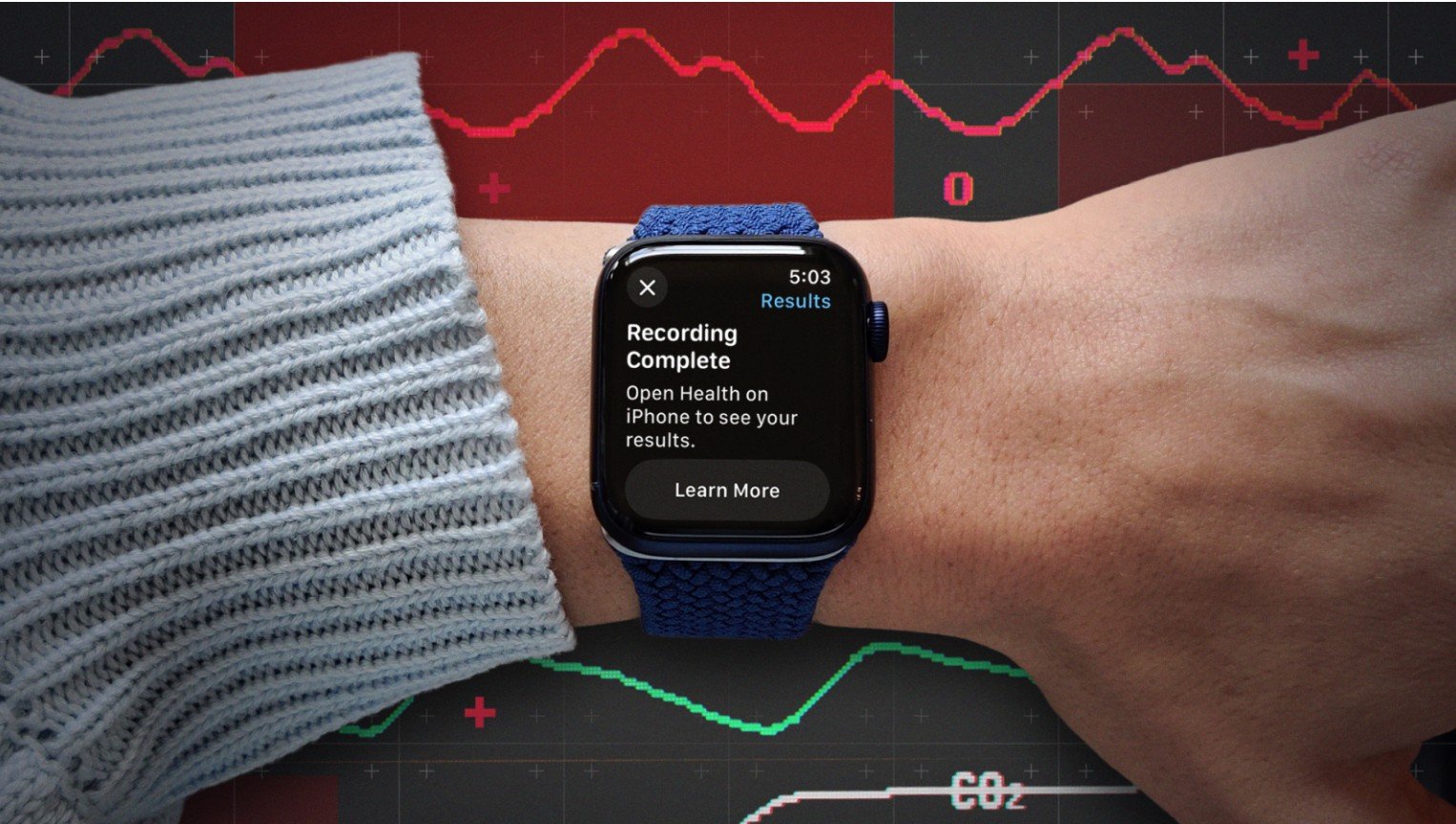
The smartwatch’s Blood Oxygen app lets you measure the oxygen level of your blood on-demand. It’s been MIA for more than a year thanks to a patent spat, but it’s back in action now.
Apple has your health in mind when it comes to the Apple Watch, which is why it added a blood oxygen sensor starting with the Series 6. This technology can tell if you’re getting enough oxygen to your brain and other vital organs. More specifically, the sensor measures the percentage of oxygen your red blood cells carry from your lungs to the rest of the body.
Why is that important? A low percentage of oxygen in the blood can be a sign of a pulmonary or cardiac issue, or other related problem. The watch’s oximeter can also take readings during the night to help track other issues, such as sleep apnea.
Blood oxygen measurements were absent from Apple Watches for more than a year amid a patent dispute between Apple and medical tech company Masimo. In mid-August, however, Apple announced it had redesigned the blood oxygen feature, which returned to the Apple Watch Series 9, Series 10, and Ultra 2 with watchOS 11.6.1 and iOS 18.6.1.
The original blood oxygen sensor measured, calculated, and displayed the readings directly on your watch. To overcome the patent issues, the redesigned version uses your paired iPhone to measure and calculate the readings, which you must view on the iPhone.
How It Works
The oximeter uses your watch’s built-in blood oxygen app, which you can use to manually trigger an on-demand blood oxygen check. However, your watch can also conduct periodic background readings over the course of the day.
The blood oxygen sensor is composed of four LED clusters and four photodiodes integrated into the back of your watch case. The green, red, and infrared LEDs shine light onto the blood vessels in your wrist, while the photodiodes assess the amount of light reflected back. The technology then detects the color of your blood as a sign of how much oxygen is present.
In general, a “normal” or safe blood oxygen level should be somewhere between 95% and 100%. Although your mileage may vary slightly, consistent readings less than 90% are considered low and a potential sign of some underlying condition.
A Medical Warning
Though Apple has made strides in positioning its smartwatch as a health device, keep in mind that Apple is not a doctor, and the watch is still a consumer device. Even Apple says, “the Blood Oxygen app measurements are not intended for medical use, including self-diagnosis or consultation with a doctor, and are only designed for general fitness and wellness purposes.”
That means the readings you get from a sensor like the watch’s pulse oximeter shouldn’t be taken as a 100% accurate and reliable medical diagnosis. You may get inconsistent readings, or you may get a low reading if you’re in a low-oxygen environment, such as a high altitude.
Instead, you should use such measurements more as a warning sign, especially if your readings are consistently low. Rather than trying to self-diagnose based on the readings, you’ll want to check with your doctor for further testing and examination.